
How to Fix LMC 8.4 R16 Aweme APK Crashing Issues on Android
Crashing issues are one of the most frustrating problems Android users face when using advanced third-party camera applications. If you recently installed LMC 8.4 R16 Aweme APK and the app keeps stopping, freezing, or closing unexpectedly, you are not alone. While LMC 8.4 is widely recognized as one of the most powerful GCAM Mod solutions available today, occasional instability can occur due to device compatibility, configuration errors, or system limitations.
This complete guide explains why LMC 8.4 R16 Aweme APK crashes on Android and provides practical, easy-to-follow solutions to help you restore smooth performance. Whether you’re using an older phone or a modern Android device, this article will help you fix crashes and enjoy a stable photography experience.
Understanding LMC 8.4 R16 Aweme APK and Its Complexity
LMC 8.4 R16 Aweme Camera App is an advanced Google Camera mod developed by Hasli, an open-source contributor known for pushing smartphone photography beyond stock limitations. Unlike default camera apps, this third-party camera app relies heavily on computational photography, XML configuration files, and device-specific optimizations.
Because LMC 8.4 R16 Aweme APK unlocks features such as HDR+, Top Shot, Video Stabilization, Slow Motion, Motion Photo, and GPS geotagging, it places higher demands on hardware and software resources. These advanced capabilities are the main reason why crashes may occur if something is misconfigured.
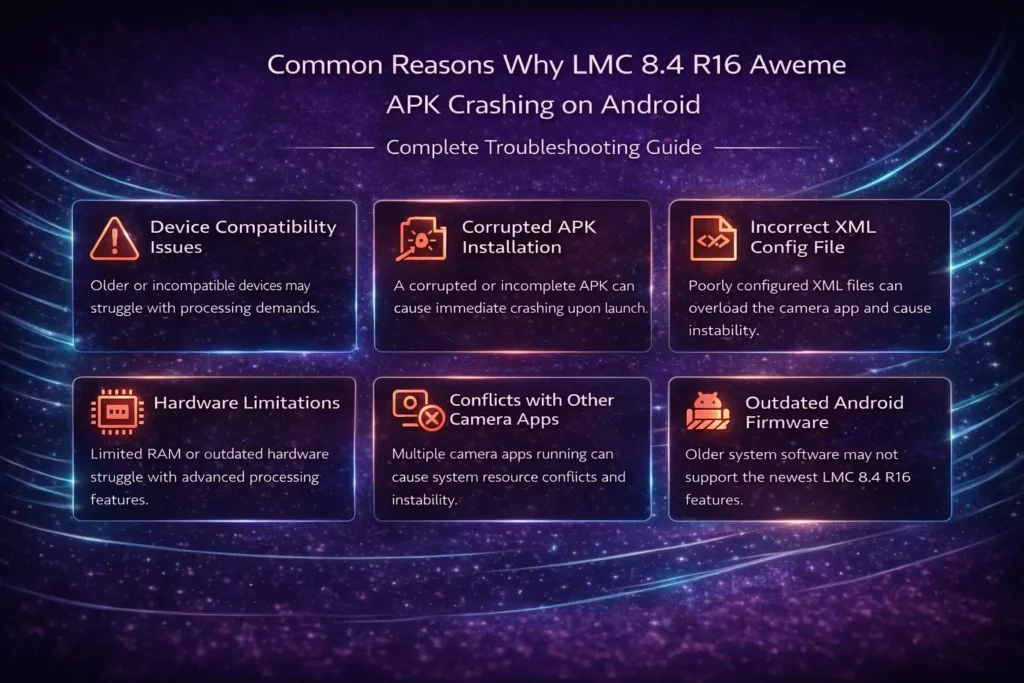
Common Reasons Why LMC 8.4 R16 Aweme APK Crashes on Android
Device Compatibility Issues
Although LMC 8.4 R16 Aweme is designed for Android devices, not all smartphones handle the same features equally. Older chipsets, limited RAM, or weak camera sensors can struggle with resource-intensive processing.
Stock cameras are optimized specifically for each phone model, but LMC 8.4 APK for Android must support a wide range of devices, increasing the risk of instability on certain models.
Corrupted APK Installation
A corrupted APK file is one of the most common reasons for app crashes. Interrupted downloads, incomplete installations, or downloading from unreliable sources can cause instability.
If LMC 8.4 R16 Aweme APK was not downloaded correctly, the app may crash immediately upon launch or fail during camera switching.
Incorrect XML Config File
XML configuration files play a major role in LMC 8.4 GCAM mod performance. An incompatible or poorly configured XML file can overload your device’s processing limits, leading to repeated crashes.
This issue is especially common when users apply XML configs meant for different phones or camera sensors.
Hardware Limitations
Advanced features like HDR+, AUX camera support, Video Stabilization, and Top Shot require strong processing power. Devices with limited RAM, slower CPUs, or outdated camera hardware may struggle to handle these features simultaneously.
As a result, LMC 8.4 R16 Aweme APK may freeze, lag, or close unexpectedly during use.
Conflicts with Other Camera Apps
If multiple camera apps are running in the background, system conflicts can occur. Stock Camera apps, Snapcam, Qcamera 3, or Google Lens integrations may interfere with LMC 8.4 R16 Aweme Camera App, causing instability.
Outdated Android Firmware
Running outdated Android firmware can also cause compatibility problems. Newer versions of LMC 8.4 R16 APK are optimized for recent Android updates, and older system software may not fully support all features.
Insufficient Storage or RAM
Photography apps generate large files, especially when capturing Motion Photo, Slow Motion, or HDR+ images. If your phone has low storage or limited RAM, LMC 8.4 R16 Aweme APK may crash during processing.
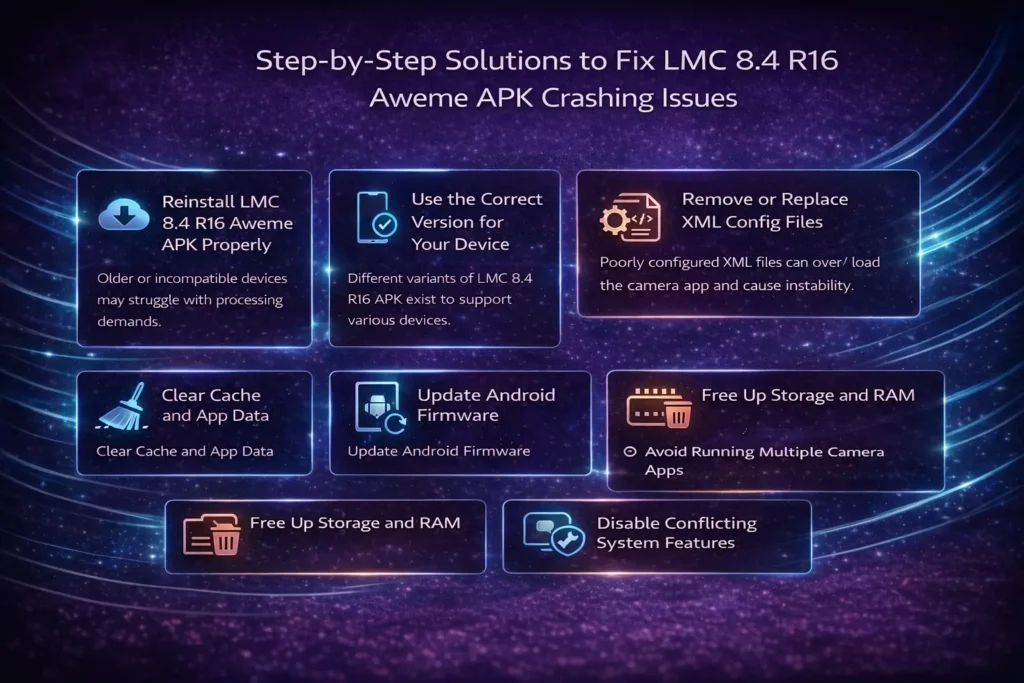
Step-by-Step Solutions to Fix LMC 8.4 R16 Aweme APK Crashing Issues
Reinstall LMC 8.4 R16 Aweme APK Properly
The first and most effective fix is a clean reinstall. Uninstall the app completely, clear leftover cache files, and re-download the LMC 8.4 R16 Aweme APK from a trusted source such as lmc84.net.
Make sure the installation completes successfully and that Unknown Sources is enabled in your device’s security settings before installing.
Use the Correct Version for Your Device
Different variants of LMC 8.4 R16 APK exist to support various devices. Options include LMC 8.4 R16 Snapcam APK, LMC 8.4 R16 Qcamera 3 APK, LMC 8.4 R16 Ruler APK, LMC 8.4 R16 Scan 3D APK, and LMC 8.4 R16 Google Lens APK.
Selecting the wrong version can result in frequent crashes. Always choose the build best suited for your device.
Remove or Replace XML Config Files
If crashes started after applying a config, delete the XML file immediately. Restart the app and test stability using default settings.
Once stable, apply a lightweight XML configuration designed specifically for your smartphone model. Avoid high-performance configs on older hardware.
Lower Resource-Intensive Settings
To stabilize LMC 8.4 R16 Aweme, disable or reduce demanding features:
These adjustments significantly reduce processing load.
Clear Cache and App Data
Clearing cache can fix temporary glitches caused by corrupted data. Navigate to your device’s app settings, select LMC 8.4 R16 Aweme Camera App, and clear cache and data.
This does not uninstall the app but resets internal files that may cause crashes.
Update Android Firmware
Ensure your device is running the latest available Android firmware. System updates often include camera API improvements, memory optimizations, and bug fixes that enhance third-party camera app compatibility.
Free Up Storage and RAM
Delete unnecessary files, uninstall unused apps, and close background processes. LMC 8.4 R16 Aweme APK performs best when sufficient RAM and storage are available.
Avoid Running Multiple Camera Apps
Close all other camera apps before launching LMC 8.4 R16 Aweme APK. This prevents conflicts with the Stock Camera, Snapcam, or other camera utilities.
Disable Conflicting System Features
Some system tools or overlays interfere with camera performance. Disable battery optimizers or performance restrictions for LMC 8.4 R16 Aweme Camera App to allow uninterrupted operation.
Why LMC 8.4 R16 Aweme APK Is Still Worth Fixing
Despite occasional crashes, LMC 8.4 R16 Aweme APK remains one of the most powerful Google Camera mods available. Compared to the Stock Camera, it offers superior dynamic range, balanced colors, advanced Video Stabilization, accurate Top Shot, and detailed image processing.
For users passionate about mobile photography, resolving crashes is a small trade-off for professional-level results.
Preventing Future Crashes in LMC 8.4 R16 Aweme APK
To maintain long-term stability, avoid frequent configuration changes, update the app regularly, and monitor device performance. Stick to trusted sources for downloads and avoid experimental XML files unless necessary.
Frequently Asked Questions
Conclusion
Crashing issues in LMC 8.4 R16 Aweme APK are usually caused by compatibility conflicts, incorrect configurations, or hardware limitations—not flaws in the app itself. By following the solutions outlined in this guide, most Android users can restore stability and enjoy the full power of this advanced Google Camera mod.
Once optimized, LMC 8.4 R16 Aweme Camera App delivers an exceptional photography experience that far surpasses the Stock Camera, making it well worth the effort to fix and fine-tune.