How to Download LMC 8.4 for Samsung Phones (Complete Guide)
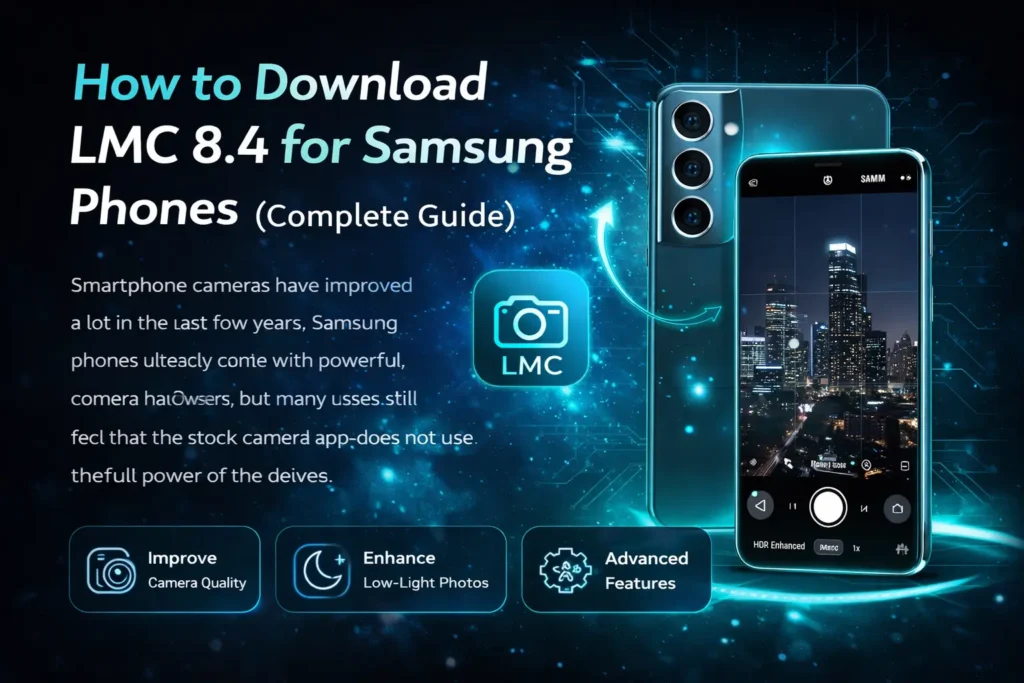
Smartphone cameras have improved a lot in the last few years. Samsung phones already come with powerful camera hardware, but many users still feel that the stock camera app does not use the full power of the device. This is where LMC 8.4 comes in.
LMC 8.4 is a modified version of the Google Camera app that brings advanced photography features to Android devices. With this app, Samsung users can capture better photos, improve low-light performance, and use professional camera settings that are not available in the default camera application.
In this complete guide, you will learn what LMC 8.4 is, why Samsung users install it, how to download it, and how to set it up correctly.
What is LMC 8.4 Camera App?
LMC 8.4 is a Google Camera Mod (GCAM) designed for Android smartphones. It is based on the camera technology used in Google Pixel devices. Developers modify the original Google Camera app so that it can run on other Android phones like Samsung, Xiaomi, Realme, and OnePlus.
The goal of LMC 8.4 is simple: give users better photo quality and more control over camera settings.
Unlike many third-party camera apps, LMC 8.4 uses advanced image processing algorithms. These algorithms improve image clarity, color balance, and dynamic range.
Key Features of LMC 8.4
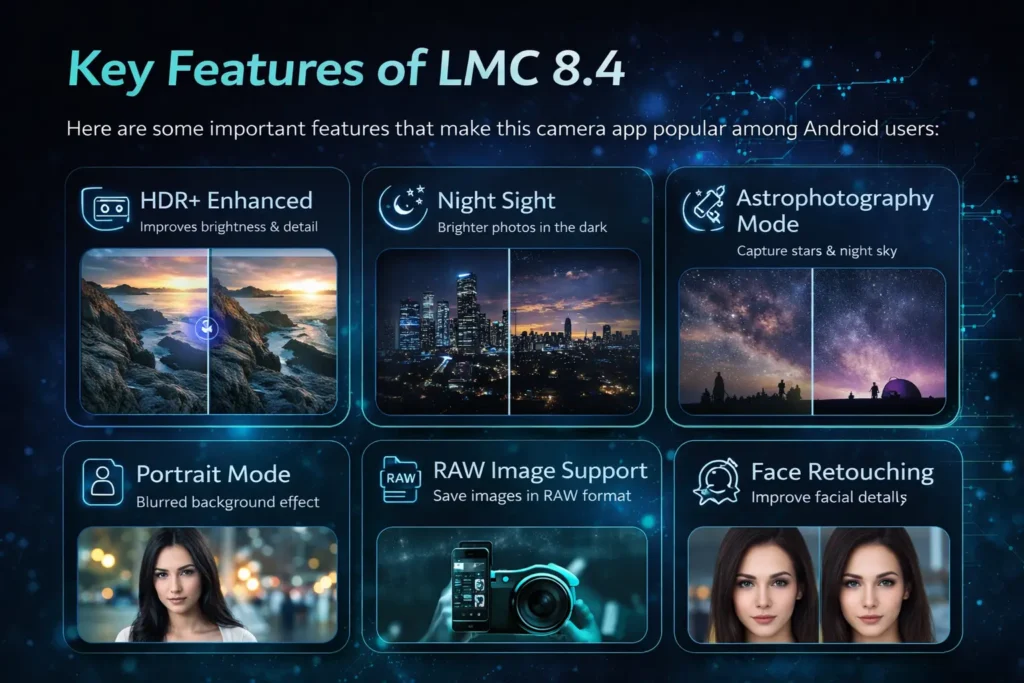
Here are some important features that make this camera app popular among Android users:
HDR+ Enhanced
HDR+ helps the camera capture multiple images and combine them into one high-quality photo. This improves brightness and detail.
Night Sight
Night photography is one of the biggest strengths of LMC 8.4. Night Sight captures brighter photos even in dark environments.
Astrophotography Mode
This feature allows users to capture photos of the night sky and stars when the phone stays stable.
Portrait Mode
Portrait mode focuses on the subject and blurs the background. The result looks similar to DSLR photography.
RAW Image Support
Professional users can save images in RAW format and edit them later without losing details.
Face Retouching
The app can improve facial details while keeping the natural look.
These features make LMC 8.4 a powerful option for people who want better mobile photography.
Download LMC 8.4 on your Samsung and get access to all these amzing features.
Why Use LMC 8.4 on Samsung Phones?
Samsung phones already have good cameras, but the default camera app sometimes limits manual control and advanced processing. LMC 8.4 helps unlock the full potential of the camera hardware.
Here are some reasons why Samsung users install LMC 8.4.
Better Night Photography
Low-light photos often look grainy when using the stock camera. LMC 8.4 Night Sight improves brightness and reduces noise.
Improved HDR
HDR+ enhanced captures more detail in both shadows and highlights.
DSLR-Like Portrait Photos
The portrait mode in LMC 8.4 produces stronger background blur and more accurate edge detection.
Advanced Camera Controls
Users can adjust several settings such as:
More Customization
LMC 8.4 allows users to customize many parts of the camera interface and processing settings.
Below is a simple comparison.
|
Feature |
Samsung Stock Camera |
LMC 8.4 |
|---|---|---|
|
Night Photography |
Basic Night Mode |
Advanced Night Sight |
|
HDR |
Standard HDR |
HDR+ Enhanced |
|
Customization |
Limited |
High |
|
Manual Controls |
Few |
Many options |
|
Portrait Blur |
Good |
More detailed |
Because of these improvements, many users prefer LMC 8.4 for photography.
System Requirements for LMC 8.4
Before downloading the application, make sure your device meets the basic requirements.
|
Requirement |
Minimum |
|---|---|
|
Android Version |
Android 4.1 or higher |
|
Processor |
Dual Core 1.2 GHz |
|
RAM |
1 GB or more |
|
Storage Space |
200 MB |
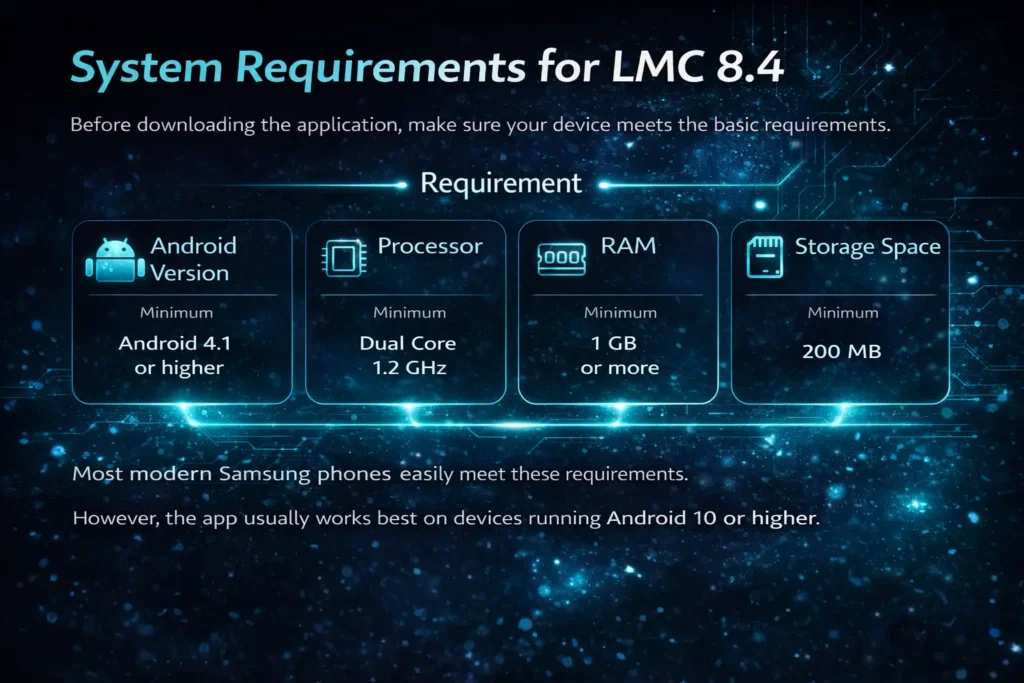
Most modern Samsung phones easily meet these requirements.
However, the app usually works best on devices running Android 10 or higher.
Supported Samsung Devices
LMC 8.4 works with many Samsung phones. Some devices may require specific versions of the application, but many models work without problems.
Here are some popular compatible Samsung devices.
Galaxy S Series
Galaxy A Series
Galaxy M Series
Even if your exact phone model is not listed, the app may still work if the hardware specifications are similar.
Steps to Download LMC 8.4 for Samsung Phones
Downloading LMC 8.4 is simple, but you must follow the steps carefully.
Step 1 – Download the APK File
First, download the LMC 8.4 APK file from a trusted website.
Make sure you choose the version that supports Samsung devices.
Avoid downloading from unknown websites to reduce security risks.
Step 2 – Enable Unknown Sources
Android blocks applications that are not from the Play Store.
To install the APK file, you need to enable installation from unknown sources.
Follow these steps:
- Open Settings
- Go to Security
- Enable Unknown Sources
This allows your phone to install external APK files.
Step 3 – Install the APK File
After downloading the file:
- Open the File Manager
- Find the downloaded APK file
- Tap the file
- Press Install
The installation process usually takes a few seconds.
Step 4 – Allow Required Permissions
When you open the app for the first time, it will ask for permissions.
Allow the following:
These permissions help the app function properly.
Step 5 – Launch the Camera App
Once installation is complete, open the LMC 8.4 app and start exploring its features.
You can now capture photos using advanced camera modes.
How to Install LMC 8.4 Config File
A config file improves the performance of LMC 8.4. It contains optimized settings for specific devices.
Using the correct config file can improve image quality and reduce crashes.
Steps to Install Config File
- Download the config file that matches your device.
- Open your file manager.
- Create a folder named LMC8.4 in internal storage.
- Place the config file inside this folder.
- Open the LMC 8.4 app.
- Double tap the empty area near the shutter button.
- Select the config file and load it.
After loading the config file, the camera settings will automatically adjust for better results.
Check outthe the best Config Files for LMC 8.4.
Best LMC 8.4 Settings for Samsung Phones
The default settings of LMC 8.4 already produce good results, but adjusting a few options can improve image quality.
Below are some recommended settings.
|
Setting |
Recommended Value |
|---|---|
|
HDR Mode |
HDR+ Enhanced |
|
Auto White Balance |
Pixel 5 |
|
Noise Reduction |
Enabled |
|
Sharpness |
Low |
|
Saturation |
Medium |
These settings help create natural colors and sharp images.
Common Problems and Fixes
Some users may experience issues while using LMC 8.4. Most problems are easy to fix.
LMC 8.4 Crashing
Sometimes the app crashes when switching camera modes.
Solution
Camera Not Opening
If the camera does not open:
Solution
App Not Installing
If the APK file fails to install:
Solution
Following these fixes usually solves most issues.
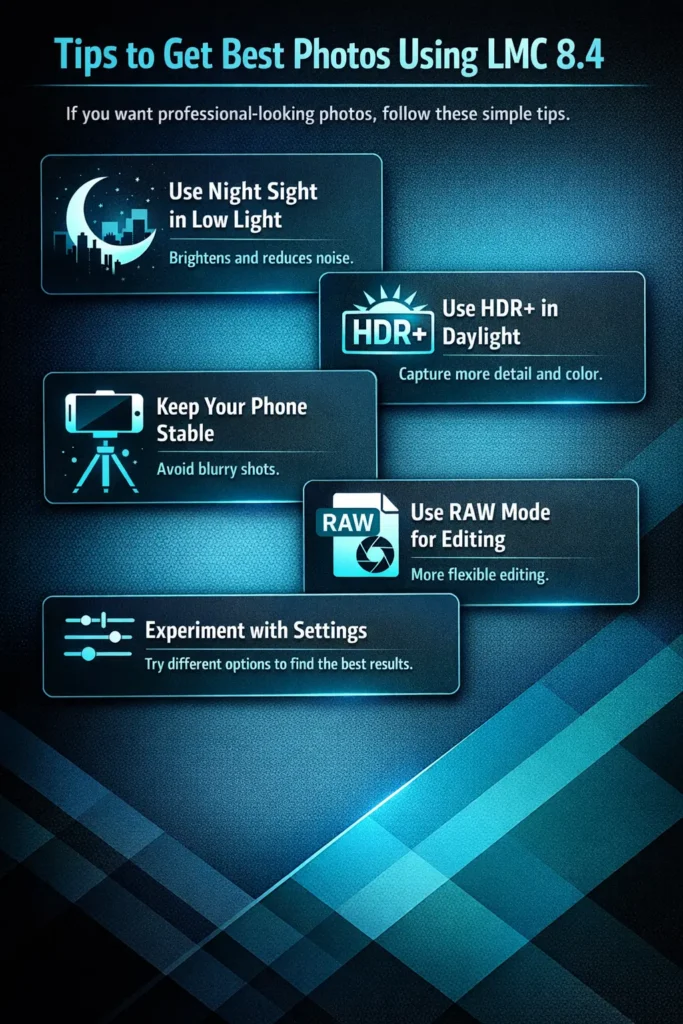
Tips to Get Best Photos Using LMC 8.4
If you want professional-looking photos, follow these simple tips.
Conclusion
LMC 8.4 is one of the best camera mods available for Android smartphones. It brings advanced photography features that help users capture high-quality photos and videos.
Samsung phones already have strong camera hardware, but the stock camera app sometimes limits customization. By installing LMC 8.4, users can unlock features like HDR+ enhanced, Night Sight, RAW photography, and professional camera settings.
The installation process is simple. You only need to download the APK file, enable unknown sources, install the app, and load a config file for better performance. If you enjoy mobile photography and want to get the most out of your Samsung camera, LMC 8.4 is definitely worth trying.